



LeapFrog 2-in-1 LeapTop Touch: A Versatile First Laptop for Preschoolers
Finding a first electronic device for a preschooler can feel like a balancing act. You want something that feels special and grown-up, yet is durable enough for little hands and simple enough for young minds to navigate. The LeapFrog 2-in-1 LeapTop Touch aims to hit that sweet spot by combining the familiarity of a laptop with the interactive appeal of a tablet. Designed for children ages 2 to 5, this toy offers a range of activities that introduce early learning concepts in a playful, portable package.
Design & Build Quality
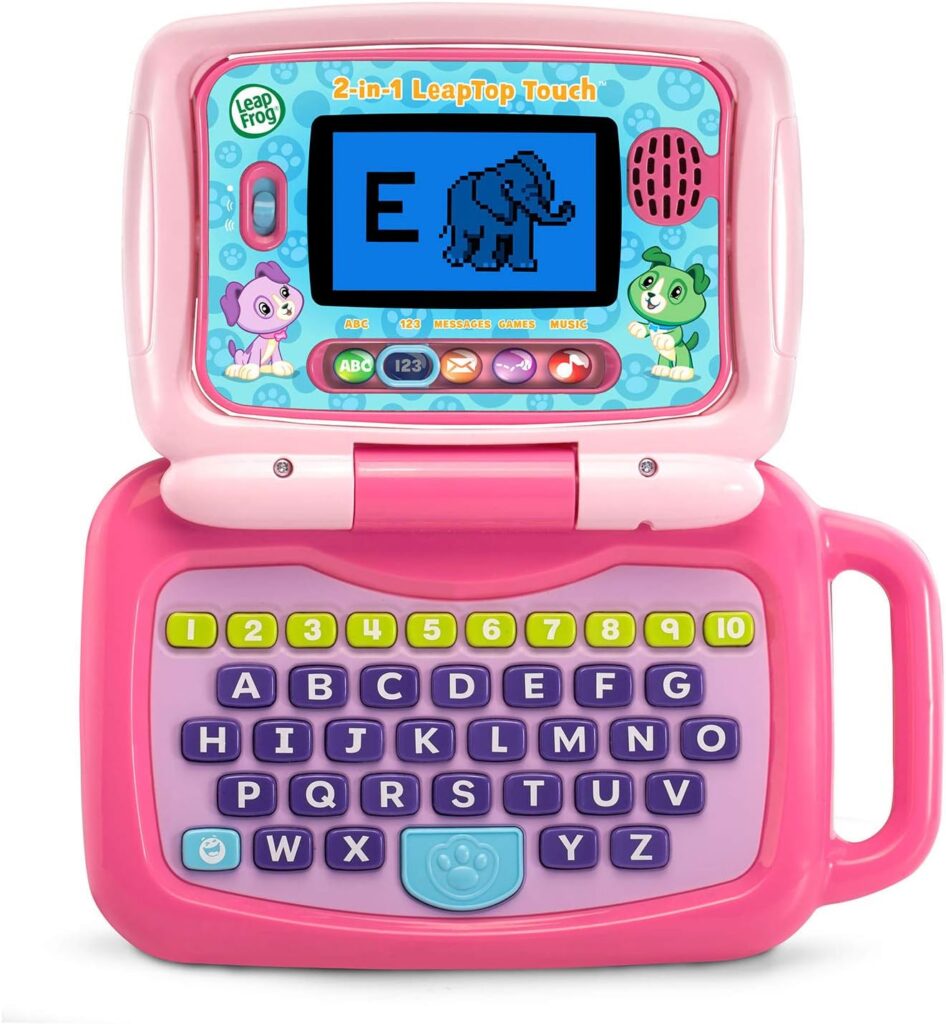
The most distinctive feature of the LeapTop Touch is its name-sake design: a 2-in-1 convertible form factor. In its default state, the device looks like a child-sized laptop with a screen and a keyboard. However, the magic happens when you close the laptop. The screen is designed to swivel, transforming the device into a tablet configuration. This clever mechanism gives parents two distinct play modes in a single toy, which can be a great way to keep a child engaged without needing to store multiple gadgets.
The laptop is built around a physical keyboard that includes the full alphabet from A to Z, as well as number buttons from 1 to 10. This layout helps familiarize children with the arrangement of a standard keyboard, a useful pre-computer skill. When flipped into tablet mode, the screen becomes a touch interface, offering a different way to interact with the content. The inclusion of a take-along handle is a thoughtful addition, making it easy for small hands to carry the toy from the playroom to the car or anywhere else they want to learn and play.
Features & Technology
At its core, the LeapTop Touch is an educational toy that packs five distinct learning modes into its compact frame. These modes are clearly labeled as ABCs, Numbers, Games, Music, and Messages. This variety is a strong point, as it allows children to switch between different types of activities based on their mood or interest, all within a single device.
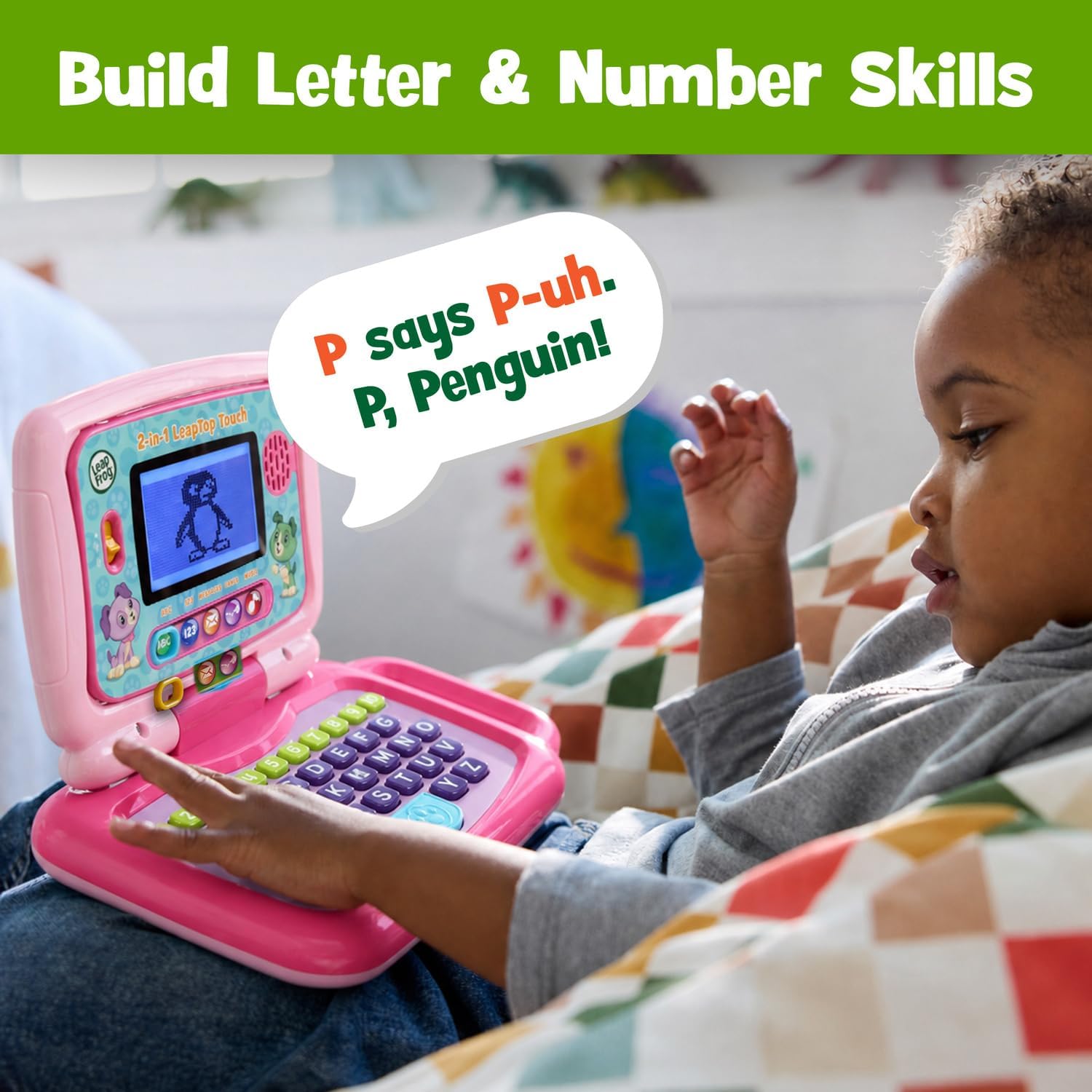
The ABCs and Numbers modes are straightforward, designed to help children learn their letters and numbers through interaction with the keyboard and screen. The Games mode likely offers playful challenges that reinforce these concepts in a different context. Music mode introduces a creative outlet, allowing for exploration of sounds and melodies. The Messages mode adds a fun, imaginative layer to the toy. Kids can pretend to email Scout, a character associated with the LeapFrog brand, which encourages role-playing and mimics the communication they see adults engaging in on their own devices.
Another key feature is the ability to customize the laptop to help your child learn to spell their name. While the specifics of this personalization process are not detailed, the stated function is to make the learning experience more personal and relevant to the child, which can be a powerful motivator for early literacy.
Performance & Everyday Experience
For a toy intended for preschoolers, the LeapTop Touch is designed to offer a hands-on introduction to technology. The two modes provide different tactile experiences: pressing physical keys on the keyboard versus tapping a touch screen. This dual approach can help a child develop fine motor skills in different ways. The keyboard mode encourages deliberate, one-finger presses, while the tablet mode allows for more direct and intuitive interaction with the content on the screen.
The transition between modes is a core part of the play experience. Opening the laptop to reveal the keyboard and screen is a familiar action, but closing it to see the screen “magically swivel” into tablet mode adds an element of surprise and delight. This physical transformation is not just a gimmick; it effectively changes the ergonomics of the toy, making it suitable for different play settings—propped up on a table in laptop mode or held in the hands like a book in tablet mode.
Having five different modes built-in means the toy offers a decent amount of variety to help prevent boredom. A child can spend a few minutes practicing numbers, then switch to music, and then move on to the pretend email function. This all-in-one approach is convenient for parents, as it consolidates several types of learning activities into one toy that is easy to pack up and take along.
Battery & Power
The LeapTop Touch requires 3 AA batteries to operate. It is important to note that batteries are included, but they are intended for demo purposes only. The product information explicitly recommends using new batteries for regular use. This is a common practice for electronic toys, as the included demo batteries are meant to show the toy works in the store and may not have a long lifespan. For parents, this means budgeting for a fresh set of AA batteries to ensure the toy performs optimally from the first real play session.
Who Is This Product Best For?
This toy is clearly aimed at the preschool demographic, as it is intended for children ages 2 to 5 years old. This is a period when children are rapidly developing language skills, number recognition, and an understanding of how things work. The LeapTop Touch is best suited for a child in this age range who is showing an interest in letters, numbers, and music, and who is curious about grown-up technology like laptops and phones.
It is also a good fit for parents who want a single, portable device that can offer multiple types of play. The 2-in-1 design and the five learning modes provide a variety of activities that can grow somewhat with a child’s developing skills. The take-along handle makes it a practical choice for families on the move, whether for a long car ride or a visit to a relative’s house. It offers a screen-based play option that is designed specifically for educational purposes, which can be an appealing alternative to more general-purpose tablets that lack a preschool-focused curriculum.
Final Verdict
The LeapFrog 2-in-1 LeapTop Touch presents a thoughtful combination of classic learning tools and modern, interactive play. Its defining feature is the convertible design that allows it to function as both a keyboard laptop and a touch-screen tablet, offering two distinct ways for a child to engage. The inclusion of an A-Z keyboard and number buttons 1-10 provides a tangible connection to early literacy and numeracy, while the five modes—ABCs, Numbers, Games, Music, and Messages—ensure a range of activities to explore.
Its suitability for children ages 2 to 5, combined with the portable handle and the option to personalize the toy to teach a child’s name, makes it a versatile educational option. The need for 3 AA batteries, with only demo batteries included, is a practical consideration for parents. Overall, it is a well-conceived educational toy that leverages a clever physical design to deliver a multi-faceted learning experience for young children.