







GHome Smart Plug Mini Review: A Compact Wi-Fi Outlet for Voice and App Control
The GHome Smart Plug Mini is a compact Wi-Fi smart outlet designed to bring everyday appliances under app and voice control. It works with Alexa and Google Home, supports scheduling and group control, and connects over a 2.4GHz network without the need for a separate hub. For anyone looking to add a layer of automation to lamps, fans, or other small appliances, this plug is aimed at making that transition straightforward. This review walks through what the product offers, how it is set up, and where its limits lie, based strictly on the information provided by the manufacturer.
Design and Build
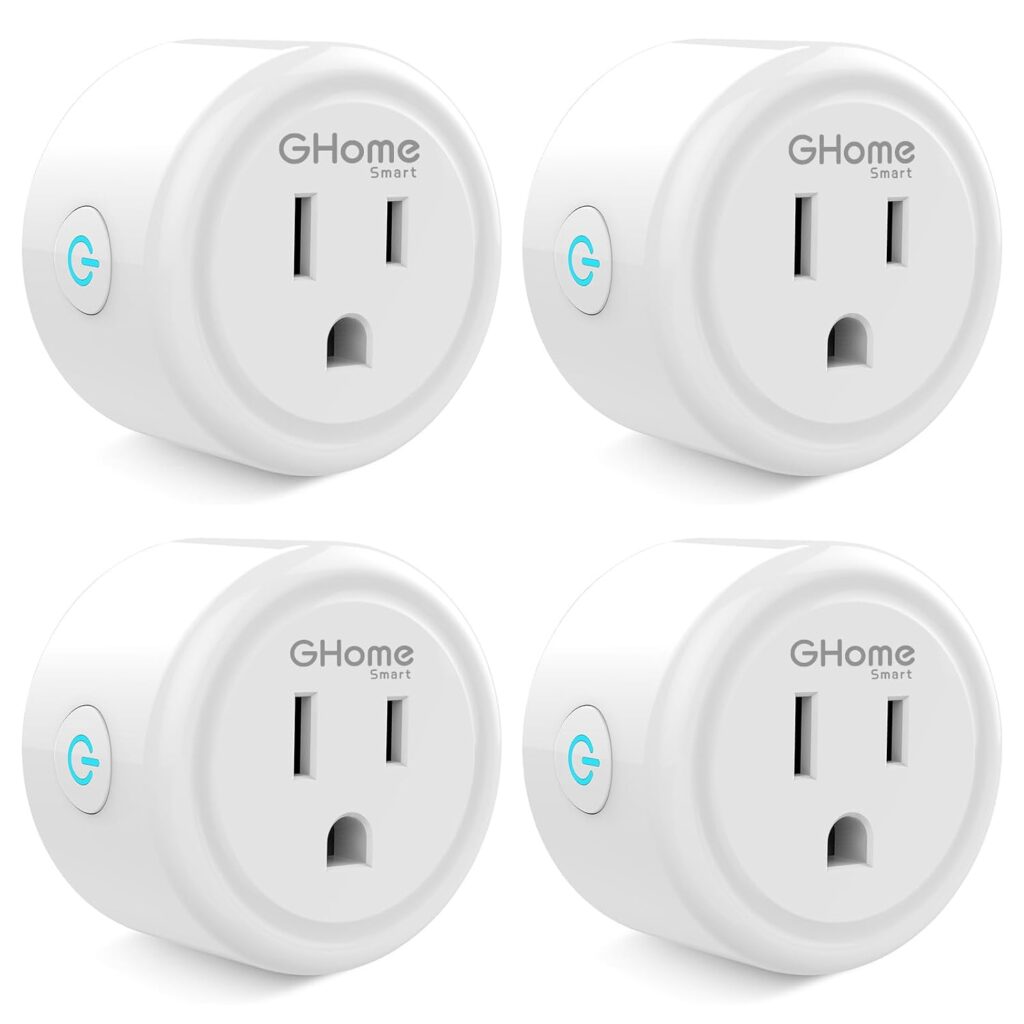
The most distinctive design point is the plug’s mini format. GHome describes it as compact and space-saving, intended to fit into tight corners and shared outlets without dominating the socket. That matters in real homes, where wall outlets are often crowded or tucked behind furniture. A smaller footprint generally leaves more room for neighbouring plugs, though the exact dimensions are not specified.
A practical touch is the switch indicator light, which can be turned off. Indicator lights on smart plugs can be distracting in bedrooms or living rooms at night, so the ability to disable this light gives users more control over their environment. The plug is also described as ETL and FCC certified and rated at 10A, 1200W, and 120V, which sets out the electrical envelope it is built to handle.
Features and Technology
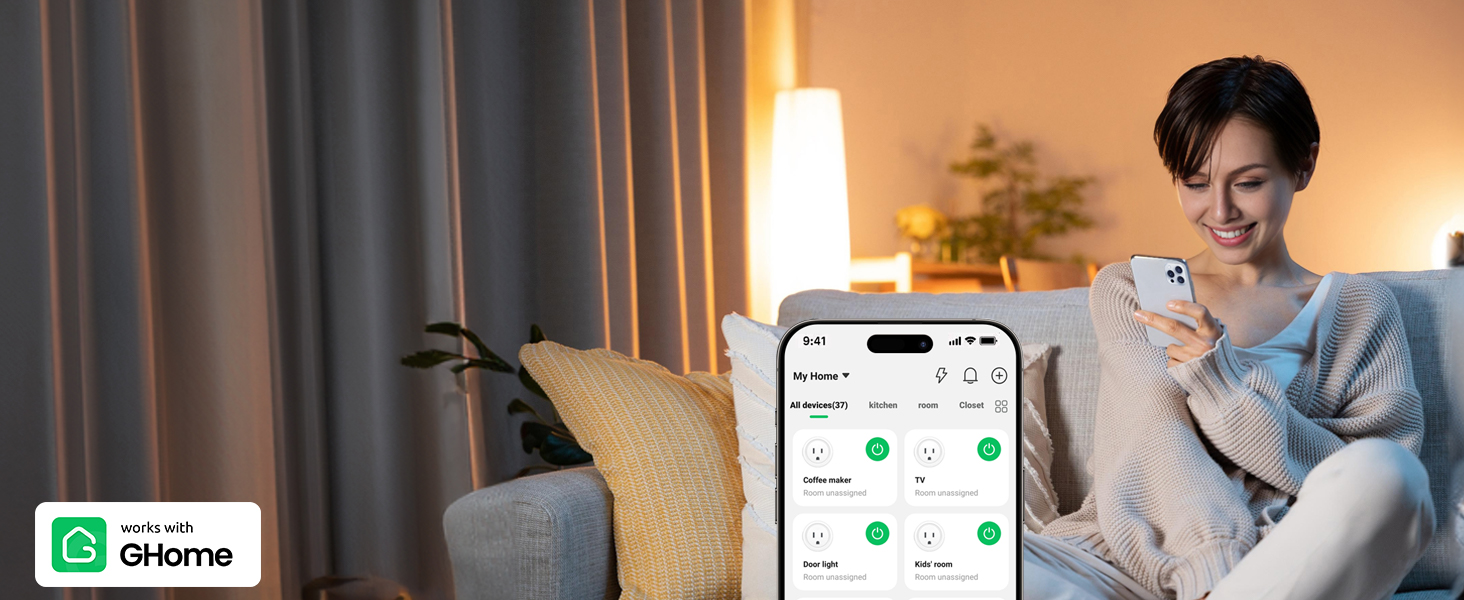
The GHome Smart Plug Mini covers the core smart-plug functions. Voice control lets you operate connected devices hands-free through Alexa or Google Home, which is useful when your hands are full or when the plug is in an awkward spot. Remote control through the app means you can switch appliances on or off from anywhere, provided the plug stays connected to a 2.4GHz Wi-Fi network.
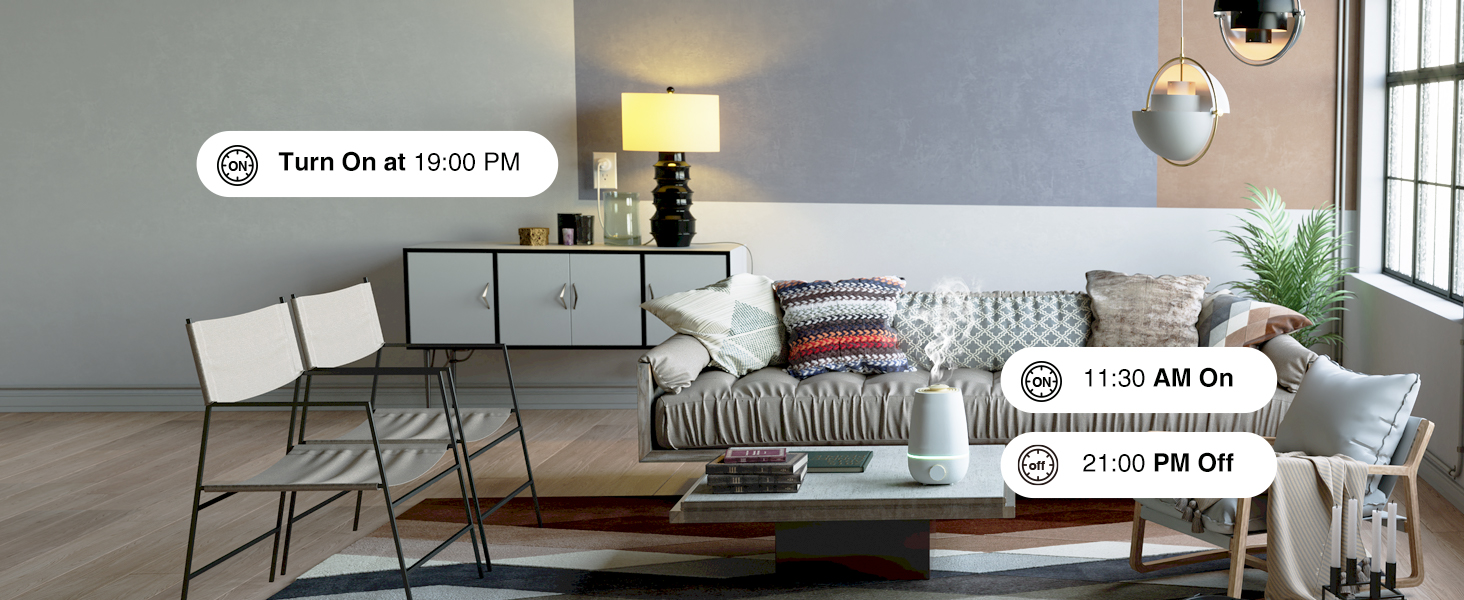
Scheduling is handled through a 24-hour timer. You can set schedules so connected devices switch on or off automatically, and the manufacturer notes that timers and schedules can be set to run circularly or randomly. This is the kind of feature that supports routines, such as having a lamp come on at a set time, and GHome frames it as a way to help save energy and money.
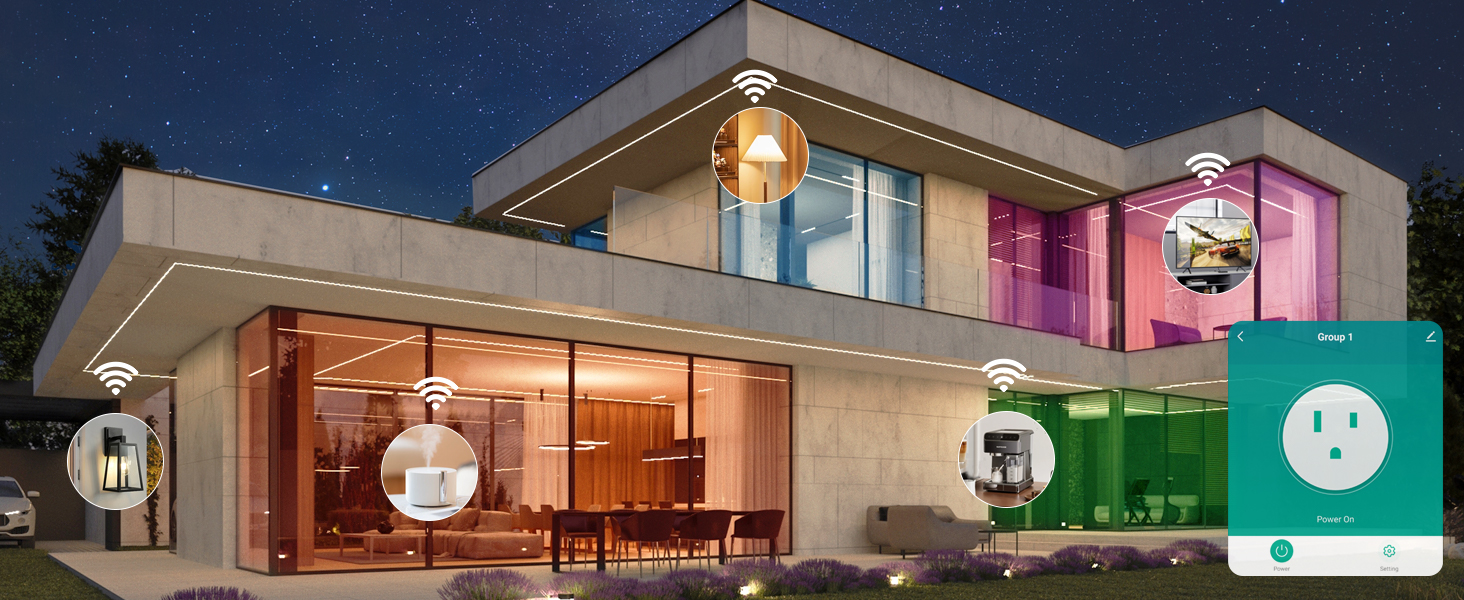
Group control is another included feature. You can create a group of smart plugs and operate the connected appliances with a single tap, which simplifies managing multiple outlets at once. There is also a family-sharing option, so household members can share access to the plugs and use them together.
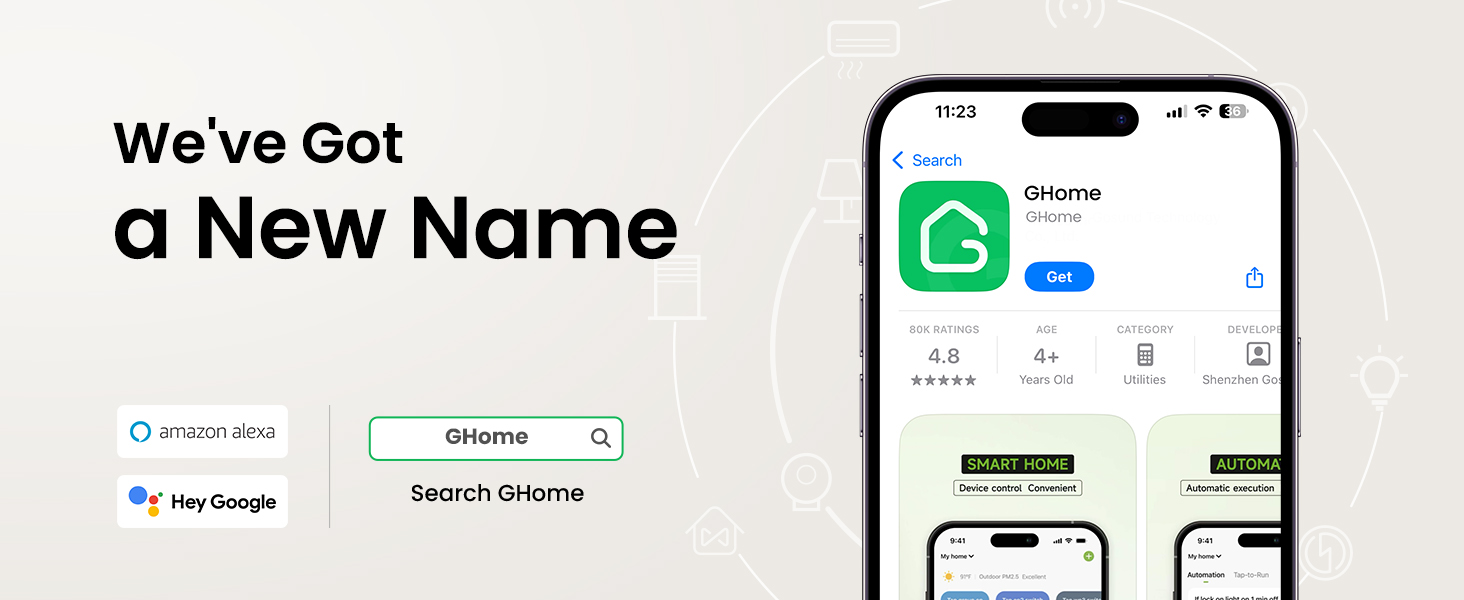
Setup runs through the GHome app, and the plugs are also listed as compatible with the Smart Life app and the Tuya app. No hub is required, which keeps the installation simple: the plug connects directly to your Wi-Fi network.
Connectivity and Setup
Connectivity is the area where this plug demands the most attention. It supports only 2.4GHz Wi-Fi and does not support 5GHz networks. GHome also mentions an enhanced Wi-Fi plus Bluetooth connection that it describes as faster and more stable, though the specifics of how Bluetooth is used during setup are not detailed. What is clear is that the plug must be connected to the GHome app first before it can be linked to Alexa or Google Home; it cannot connect to those voice assistants directly.
For dual-band routers, the manufacturer offers two approaches. You can temporarily turn off the 5GHz network during the first connection, or you can assign separate names (SSIDs) to the 2.4GHz and 5GHz networks and connect the plug only to the 2.4GHz one. The app requires Android 5.0 or iOS 13.0 and above.
GHome also provides troubleshooting guidance. Before connecting, you press and hold the power button for five to ten seconds and confirm the indicator is blinking. If the connection fails, pressing the on/off button for five seconds resets the plug, and you can switch from Easy mode to AP mode, which the manufacturer describes as more compatible. Once connected, the plug should remain on the 2.4GHz network for remote control to keep working.
Performance and Everyday Use
In daily use, the plug’s value comes from how its features fit ordinary routines. Voice commands remove the need to reach for a phone when you want to switch something on, while the app handles scheduling and grouping. The random scheduling option may appeal to people who want lights to follow a less predictable pattern while they are away, and the group control feature suits households with several plugs to manage.
Load capacity is an important practical consideration. The plug is rated at a maximum of 1200W and 10A at 120V, and GHome advises checking the load of your appliance before plugging it in. That makes it suitable for appliances within that rating, but it is not intended for high-draw devices beyond the stated limit. Buyers should confirm their appliance’s power requirements against these figures.
The compact design and switchable indicator light are small details that affect day-to-day satisfaction more than they might first appear, particularly in bedrooms or visible living areas. The family-sharing feature also means the plug does not have to be tied to a single person’s phone.
Who Is This Product Best For?
This smart plug suits people who want basic app and voice control without a hub, and who are comfortable working within a 2.4GHz network. It is a reasonable fit for households using Alexa or Google Home that want to automate lamps, fans, or other appliances within the 1200W, 10A rating. Families who want shared control across several plugs may appreciate the group and sharing features. Anyone with a 5GHz-only network setup, or who needs to control appliances that exceed the stated load, should look elsewhere or check compatibility carefully before buying.
Final Verdict
The GHome Smart Plug Mini delivers a familiar set of smart-plug capabilities in a compact body: voice control with Alexa and Google Home, app-based remote operation, 24-hour scheduling, group control, and family sharing. Its ETL and FCC certification and stated 10A, 1200W, 120V rating give buyers clear parameters for what it is designed to handle. The main caveats are the 2.4GHz-only Wi-Fi requirement, the need to set up through the GHome app before linking voice assistants, and the load limit, all of which require a little planning at setup. For users who meet those conditions and want a small, hub-free outlet for everyday appliances, the GHome Smart Plug Mini covers the essentials without unnecessary complexity.